
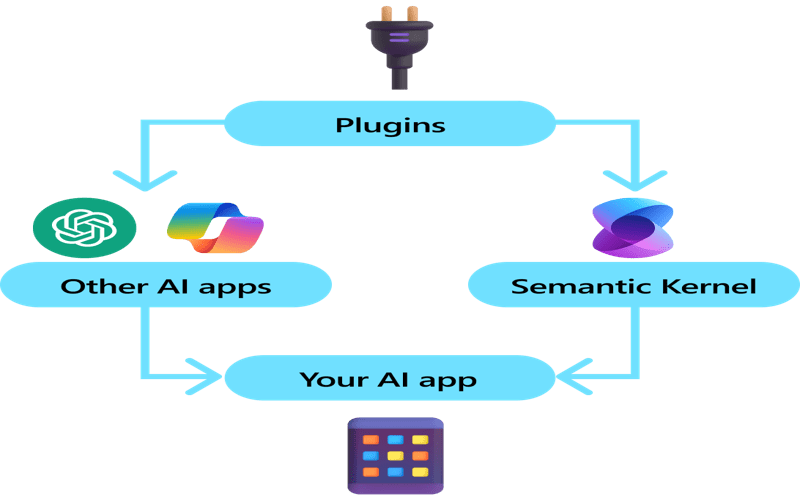
AI in WordPress plugins is revolutionizing how developers enhance the functionality of their projects. With the power of AI plugin functionality, WordPress developers can streamline their workflows and tackle complex coding challenges with ease. From creating custom plugins with AI to extending existing options, the potential for innovation is vast. Developers now have access to powerful WordPress developer tools that enable them to efficiently incorporate advanced features and enhance user experience. By adhering to plugin documentation best practices, developers can ensure that their AI-powered enhancements are effective and maintainable, ultimately leading to more robust websites.
The integration of artificial intelligence into WordPress extensions opens a new frontier for improving website performance. Utilizing smart algorithms, developers can elevate the capabilities of standard plugins, producing tailored solutions that fit specific client needs. This modern approach not only simplifies routine tasks but also fosters ingenuity in creating customized functionalities. By leveraging advanced technologies, those involved in website development can explore innovative ways to configure and optimize their tools. Whether enhancing user interfaces or automating repetitive tasks, the role of intelligent systems in the realm of WordPress is becoming increasingly significant.
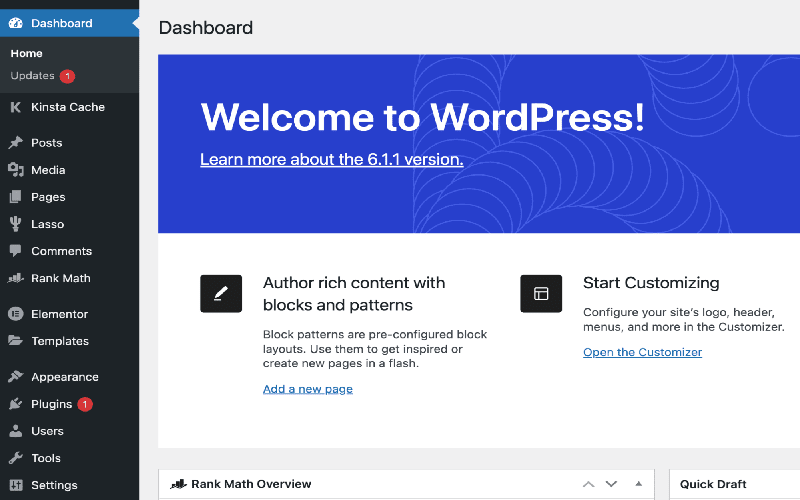
Is This the Right Plugin for the Job?
When embarking on a new WordPress project, determining if a plugin meets your needs is crucial. It’s not unusual to feel the frustration when your selected plugin lacks certain functionalities. Maybe your client envisions features that the standard settings don’t support, or perhaps you have a groundbreaking idea for enhancing user interaction. This situation can often trigger a wave of creativity, pushing you to explore ways to customize the plugin.
However, caution is paramount. Not every plugin is designed to accommodate extensive modifications. Some may be cumbersome to work with, leading to confusion and a tangled maze of code. It’s essential to evaluate and select plugins carefully. A well-suited alternative may exist within the expansive WordPress ecosystem. Always aim for a plugin that aligns closely with your requirements, as this will streamline the process of extending its capabilities.
A Well-Documented Plugin Often Yields the Best Results
The documentation accompanying a plugin is a vital asset when utilizing AI to create extensions. Well-documented plugins often empower developers by providing clear guidelines and structures, which is beneficial for AI models seeking relevant information. When the AI has access to comprehensive documentation, it significantly increases the chances of achieving a successful integration of new features.
If the plugin lacks sufficient documentation, there’s still hope. You can provide the AI with snippets of the code or details about how the plugin functions. AI’s ability to analyze these elements allows it to generate solutions even without a fully fleshed-out guide. Additionally, existing community knowledge shared through forums can also offer insights, providing a solid foundation for your modifications.
Think About Structure and Future Maintenance
Once you’ve identified a plugin worth extending, the next step is to consider the structure of your code. It’s tempting to implement quick modifications directly in your theme’s functions.php file, but beware of the long-term implications of this approach. If you ever change themes, you risk losing your carefully crafted functionality. Instead, creating a standalone custom plugin is the preferred method.
Building a plugin not only preserves your modifications but also allows for better organization and future updates. AI tools can assist you in designing this structure effectively, whether you require a simple single-file plugin or a complex layered setup. Furthermore, maintaining awareness of the primary plugin’s updates is crucial—major changes might necessitate revisiting your custom extension to ensure compatibility.
Make Your Existing WordPress Plugins Do More
Harnessing AI to augment existing WordPress plugins can revolutionize your development process. With clear objectives and adequate context — such as code examples or documentation — you can produce quality enhancements in a fraction of the time it would traditionally take. This approach not only accelerates development but also opens the door for innovative solutions that elevate user experience.
However, it’s vital to navigate this process with care. AI’s outputs may sometimes misalign with your intentions, necessitating revisions and adjustments. Remember to prioritize security standards by reviewing generated code before deployment. For those with an imaginative spark, now is the ideal moment to collaborate with AI to unveil new dimensions for your WordPress plugins.

In conclusion, leveraging AI to extend the functionality of WordPress plugins offers developers an unprecedented advantage in streamlining their workflow and enhancing project outcomes. The integration of AI can transform tedious tasks into quick solutions, thereby allowing developers to focus on higher-level work. As we’ve discussed, some key takeaways for successfully using AI in this context include:
– **Identify the Right Plugin**: Ensure you choose a plugin that aligns well with your objectives and has the potential for effective extensions.
– **Focus on Well-Documented Plugins**: Opt for plugins with thorough documentation for smoother AI-assisted modifications.
– **Plan for Maintenance**: Always prioritize structuring your extensions within a custom plugin to avoid dependency issues in the future.
As you embark on the journey of enhancing WordPress plugins with AI, it is essential to approach this powerful tool with a strategic mindset. With the right preparation and knowledge, you can significantly reduce development time while improving functionality. Remember these critical points especially:
– **Employ AI for Rapid Prototyping**: Utilize AI to quickly generate working models of your desired functionalities, saving time.
– **Iterate and Refine**: Be prepared to revise the generated code, ensuring it meets your specifications and follows security best practices.
– **Stay Informed**: Keep track of updates in the plugins you choose to extend to prevent future compatibility issues.




